
Key Takeaways
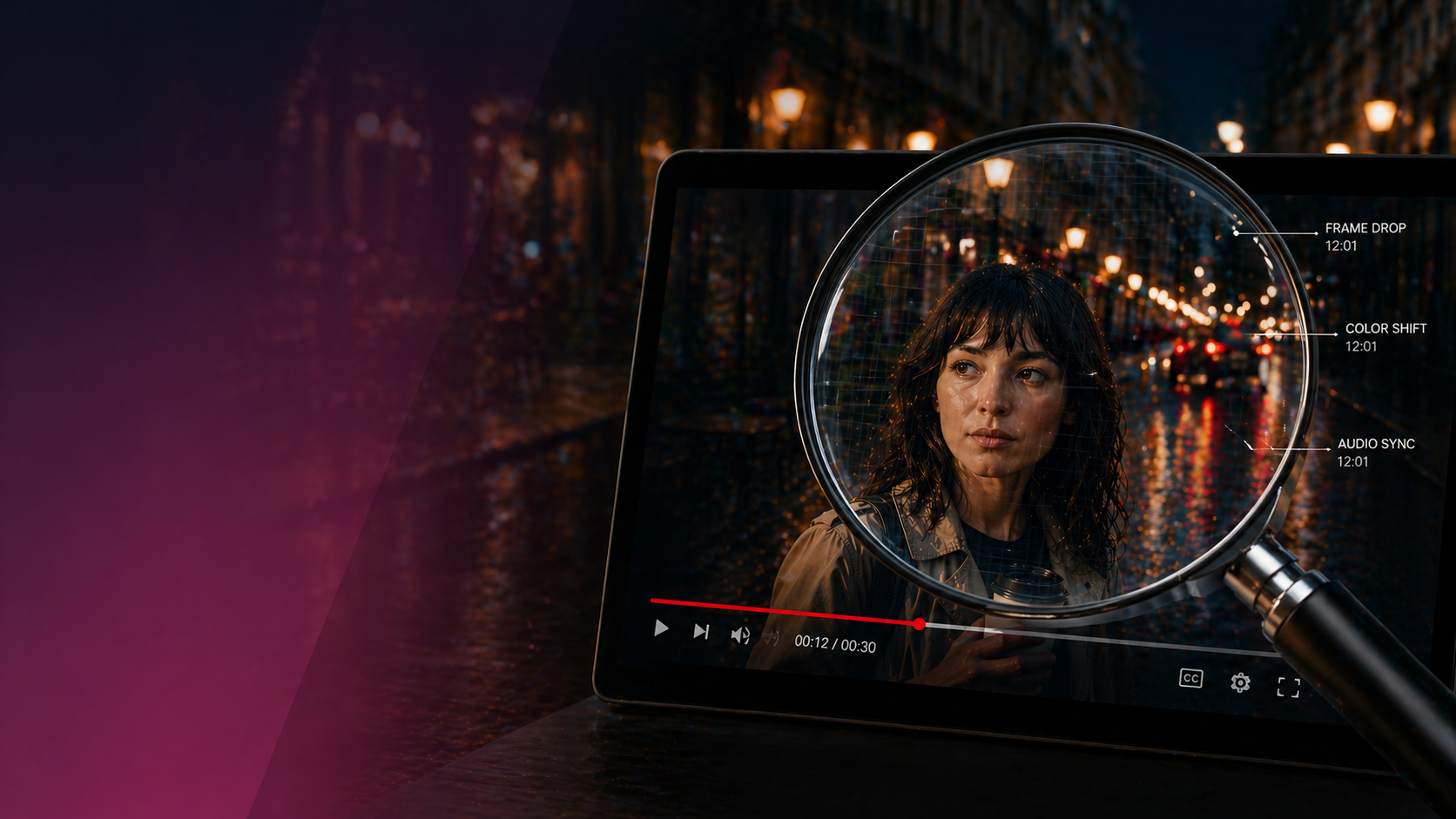
- Small inconsistencies can reveal AI-generated video even when the overall scene looks realistic.
- Examine hands, eyes, hair, facial movement, and other details that may change unnaturally from frame to frame.
- Warped text, incorrect logos, and unreadable words are common warning signs.
- Check whether lighting, reflections, shadows, lip movement, and ambient sound make sense together.
- Pay attention to motion and physics. Objects or people that seem weightless or repetitive may indicate synthetic footage.
If you’ve been on social media or turned on the news lately, chances are you’ve come across plenty of AI-generated video. Ads with uncannily perfect actors, deepfakes of a politician or celebrity that require public responses, or viral “feel good” clips that never actually happened.
While much AI-generated content looked obviously fake even a few months ago (think unblinking avatars and hands with too many fingers), the jump in quality is steady and significant. As the perception of reality continues to blur, more people are asking the same question: was that an actual video, or was it AI?
At LAI Video, we’re working with and testing a variety of AI tools as part of our production process. They can be useful for saving time and managing costs, but they still have clear limitations that you can spot if you know where to look for them.
Here are a few things to keep an eye out for.
1. Human Details
People are still one of the harder things for AI tools to get right. A believable face or body depends on a lot of small details staying consistent as things move and shift, across lighting, angle, and perspective.
Pay close attention to:
- Hands and fingers that don’t fully resolve, or shift shape mid-movement
- Eyes that blink at an unusual rhythm or feel slightly unfocused
- Hair that moves independently or intersects with the body
- Skin that looks overly smooth, without natural variation
- Teeth that blur together or don’t quite align during speech
If something feels slightly off about a person on screen, trust that instinct. The human brain is highly tuned to faces and movement, and it picks up on inconsistencies quickly, even when you can’t immediately explain them.
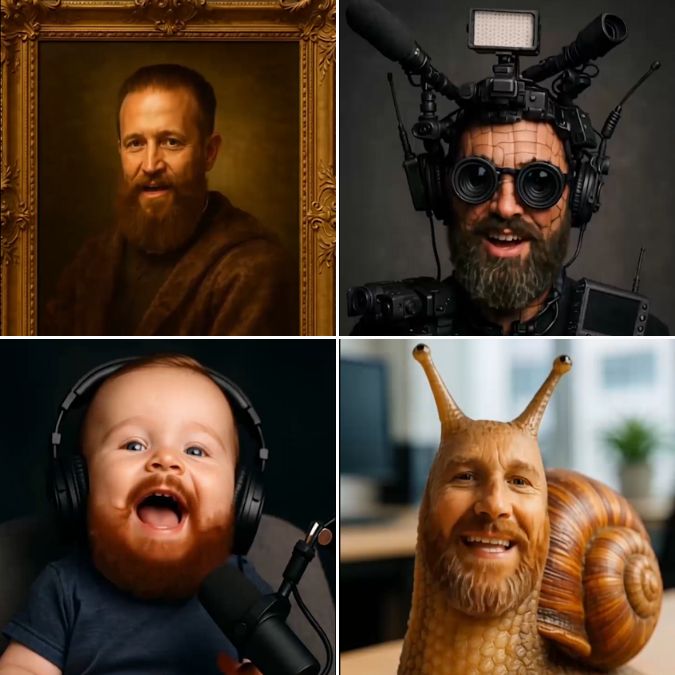
Here’s a tongue-in-cheek AI-generated promo we created for a panel with Women in Government Relations on (you guessed it) AI video.

2. Text Errors
Text is one of the easiest ways to spot AI-generated video. It might look normal at first, but with a careful eye you can start to see errors:
- Letters that shift, blur, or change shape as the clip plays
- Words that seem readable, then fall apart
- Numbers that don’t correspond to anything real
- Logos that resemble a brand but aren’t quite right
- Product labels that change between frames
3. Continuity and Consistency
At normal speed, a clip can feel completely fine. AI-generated inconsistencies tend to show up when you start noticing the small details and how they hold, or don’t, from one moment to the next.
- Background objects that shift position or disappear
- Props that change shape or placement
- Labels or signage that subtly redraw themselves
- Architectural details that don’t stay consistent
In real footage, those details stay locked in. When they start to drift, even slightly, it changes how the whole scene feels.
4. Lighting Issues
This one is less about obvious mistakes and more about how things feel when you look a little closer. In real environments, surfaces pick up wear, light falls unevenly, and small imperfections show up without trying.
AI-generated video tends to smooth that out, which shows up in a few ways:
- Surfaces that look too clean or uniform
- Products without any marks, dust, or fingerprints
- Reflections that don’t match what’s around them, or are missing entirely
- Shadows that shift direction or don’t quite hold
- Lighting that feels evenly spread across everything
Nothing here jumps out right away, but taken together it can make a scene feel slightly flat.
5. Audio Mismatch
Sound plays a big role in making video feel real. When it doesn’t line up with the visuals, even slightly, it can make the whole thing feel off.
- Ambient sound that doesn’t match the environment
- Background noise with no clear source
- Dialogue that’s slightly out of sync
- Mouth movements that don’t match what’s being said
Watching once with sound, then again without it, is usually enough to catch what you missed.
6. Inconsistencies in Movement and Physics
In real footage, motion has weight and timing. Things react to gravity, to each other, to the environment. When everything moves a little too smoothly or feels slightly disconnected, it changes how the whole scene comes across.
Keep an eye out for:
- Hair or clothing that repeats the same motion, almost like it’s looping
- Water, fire, or smoke that moves too evenly, without much variation
- People or objects that don’t seem to carry weight when they move
- Camera movement that feels floaty, like it’s gliding instead of being held
- Heads that perfectly (and eerily) face the viewer
7. The Perfection Problem
Real-world video usually carries a bit of irregularity. Lighting shifts, textures vary, and not everything lands perfectly in place. When all of that disappears, the image can feel artificial, even if nothing obvious is wrong.
- That usually shows up in a few subtle ways:
- No visual noise or texture
- Every element feeling a little too polished with overly emphasized outlines, contours, and wrinkles
- A lack of the small imperfections you’d expect in real footage
It’s less about spotting a specific issue and more about trusting your intuition when everything feels a little too perfect.
Does it Even Matter?
AI is a useful tool for video. It can expedite content creation and conjure visuals that were previously unimaginable (or unaffordable). But as with anything created by AI, you need to anchor this content with real purpose. Do these visuals reinforce your point? Does it align with your mission and standards? Does it undermine your organization’s credibility and creativity or bolster it?
If you’re experimenting with AI video and want a second opinion or a bit of guidance, we’d love to help make sure the work holds up and isn’t dismissed as AI slop.